
 Chew to watch
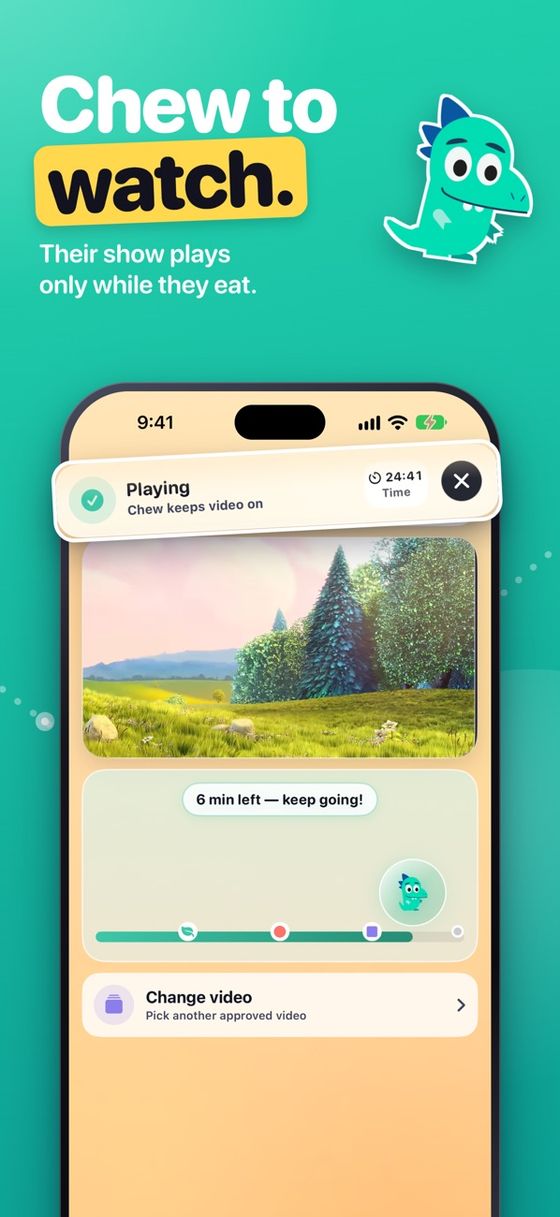
Mealtime videos that play only while your child is chewing.
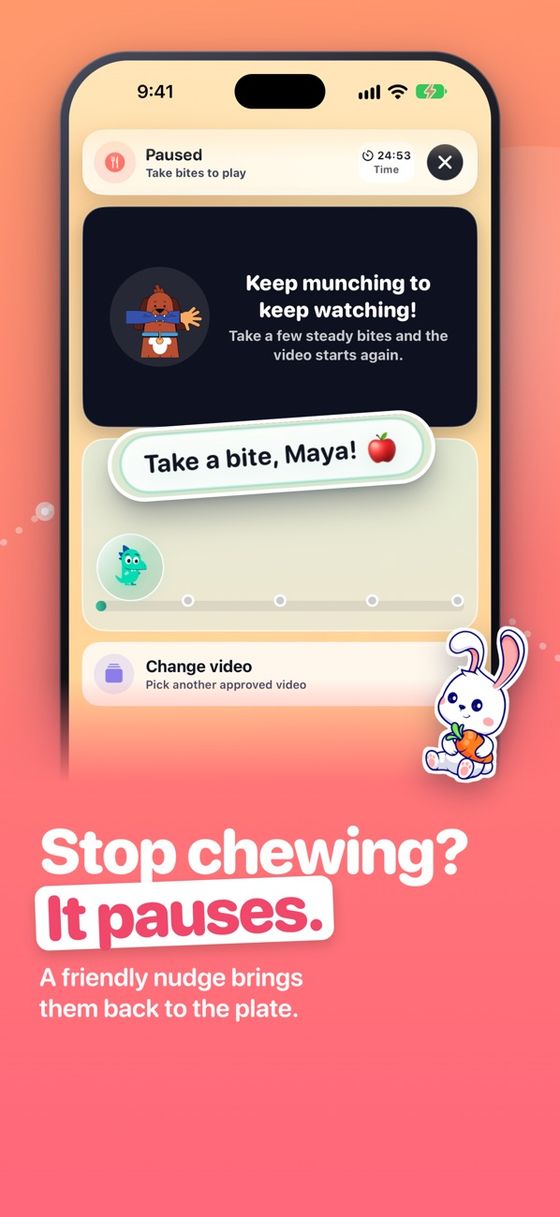
MunchGuard turns mealtimes into a gentle game. The video plays while your child eats and pauses with a friendly reminder when they stop — and you approve every exact video they can see.
- iPhone & iPad
- Ages 4+ · Education
- No search, no recommendations
- Free core features
Calmer meals, on your terms.
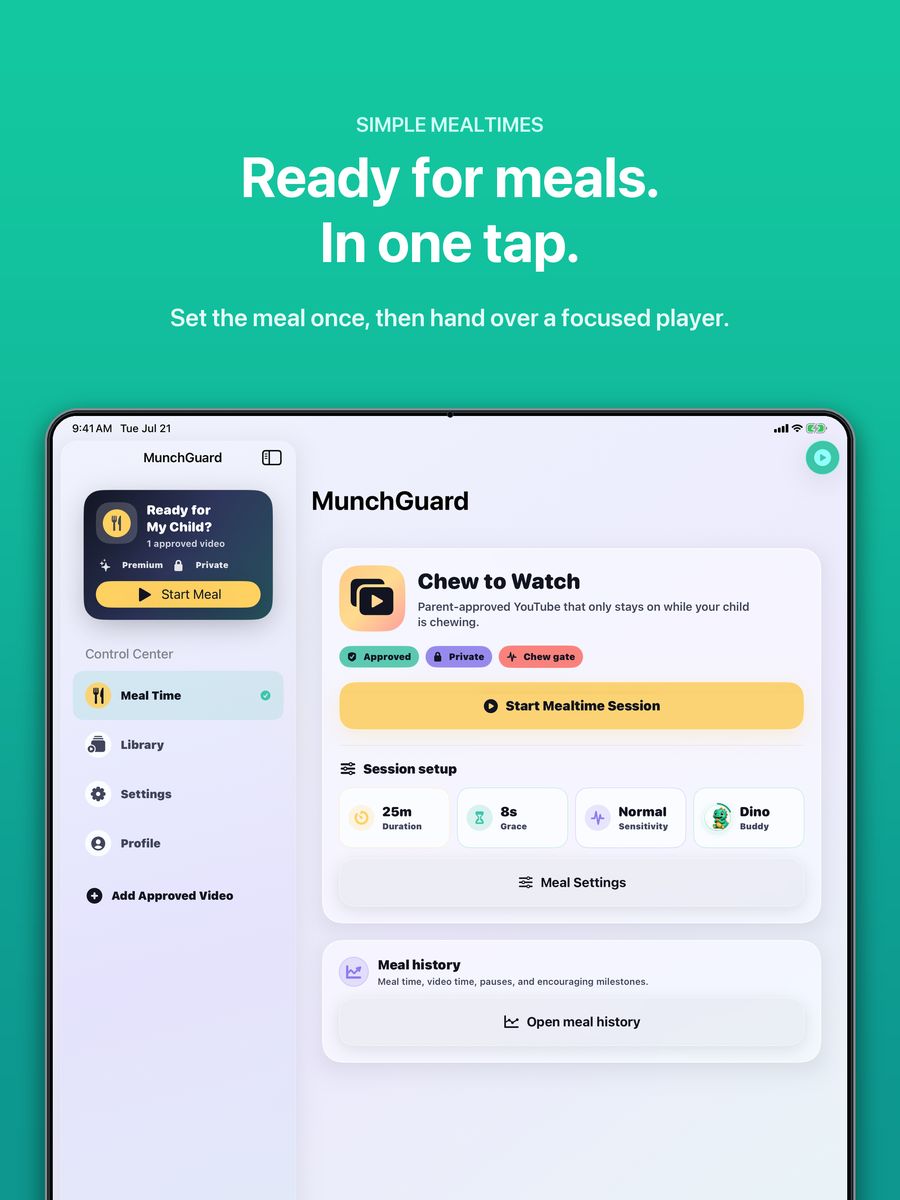
You choose every video. MunchGuard handles the gentle pause-and-play.
Parent-approved library
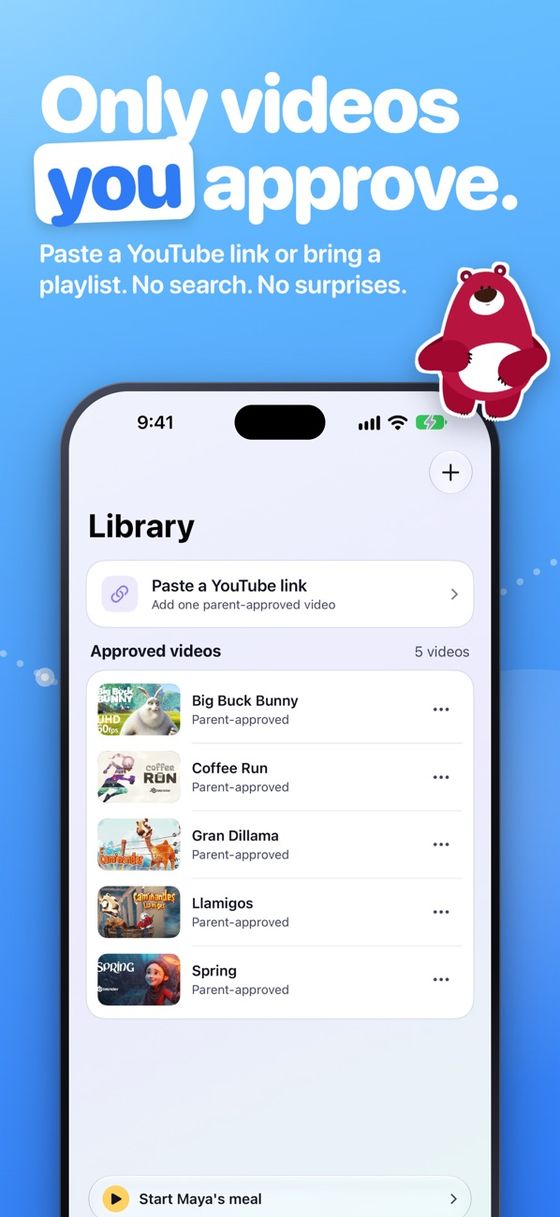
Build a closed library from exact video links you already choose — paste a link, or share one to MunchGuard from the YouTube app or Safari.
A profile per child
Separate libraries and progress for each child profile, so siblings can have different approved videos and goals.
Optional YouTube playlists
Connect your own YouTube account (read-only) and link a playlist to a child. You still review or remove each video.
Chew to watch, on-device
The front camera and microphone notice chewing on-device — chewing plays, stopping pauses with a friendly reminder.
Watch Time mode
Approved videos play for a set timer, then stop on their own — no chewing required, and no camera used at all.
No rabbit holes
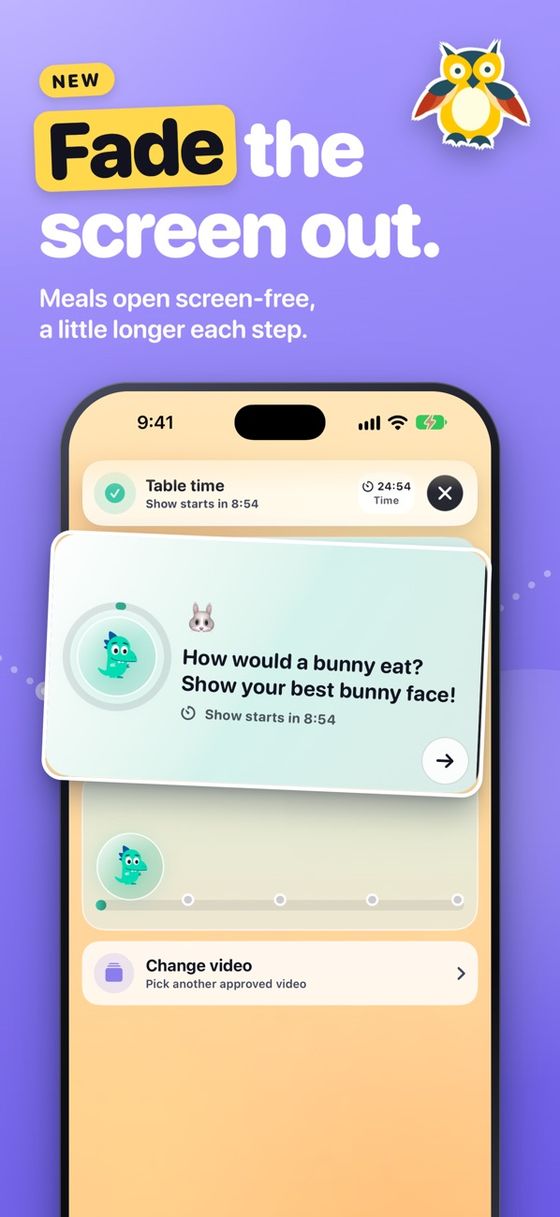
A safe, built-in player with no search, no recommendations, and an Eating Buddy that keeps pauses encouraging, not shaming.
Set it on a stand. Pick a video. Start Kid Mode.
Face the front camera toward your child and choose a parent-approved video before Kid Mode begins. Works on iPhone and iPad in portrait or landscape.
See it in action
Straight from the App Store listing.
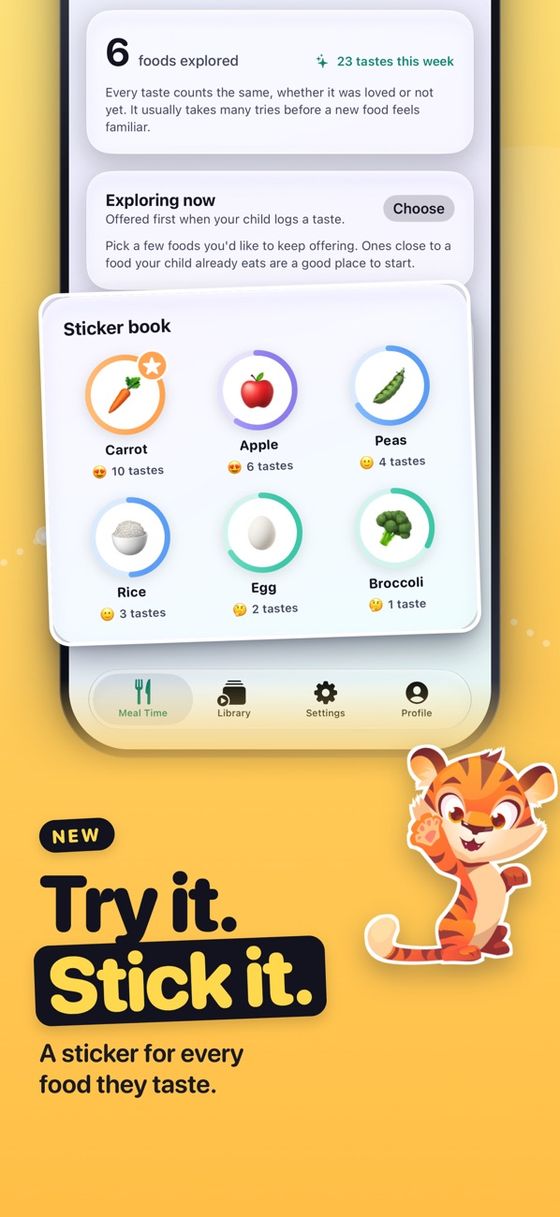
Start free.
Chew-to-watch playback and a parent-approved video library are available without Premium. Optional Premium family features are available through in-app purchase. The App Store always shows the current offer and renewal terms.
What does MunchGuard do?
Parent-approved mealtime videos play while your child is chewing and pause with a friendly Eating Buddy reminder when bites stop.
Can my child browse or search videos?
No. Kids only see the exact videos you approve, in a built-in player with no search and no recommendations.
Does the camera footage leave the device?
Chewing detection runs on-device. See the Privacy Policy for full details.
Is it free?
Chew-to-watch playback and a parent-approved video library are available without Premium. Optional Premium family features are available through in-app purchase; the App Store shows the current offer.
Which devices?
iPhone and iPad, portrait or landscape — in your hands or on a stand.
Get MunchGuard
Live on the App Store for iPhone and iPad.